

UI Refresh Experiments
Simplifying local EUI and Kibana development with VS Code tasks
The hardest part of testing visual changes in Kibana isn’t the design — it’s the setup. These VS Code tasks turned an infamous multi-step process into a single command that anyone could run.
Challenge
Testing local EUI style and token changes inside Kibana had long been a headache. The workflow required building EUI packages - in a very specific mannger - then updating Kibana’s package.json to reference the new tarball, clearing caches, and rebuilding. Even small changes — like a color token or spacing tweak — could eat up 30+ minutes of repetitive terminal steps.
For designers, it was effectively out of reach. For engineers, it was simply painful. I wanted a way to make it fast, reliable, and repeatable way to test cohesive, design system changesets in the actual product.
Idea
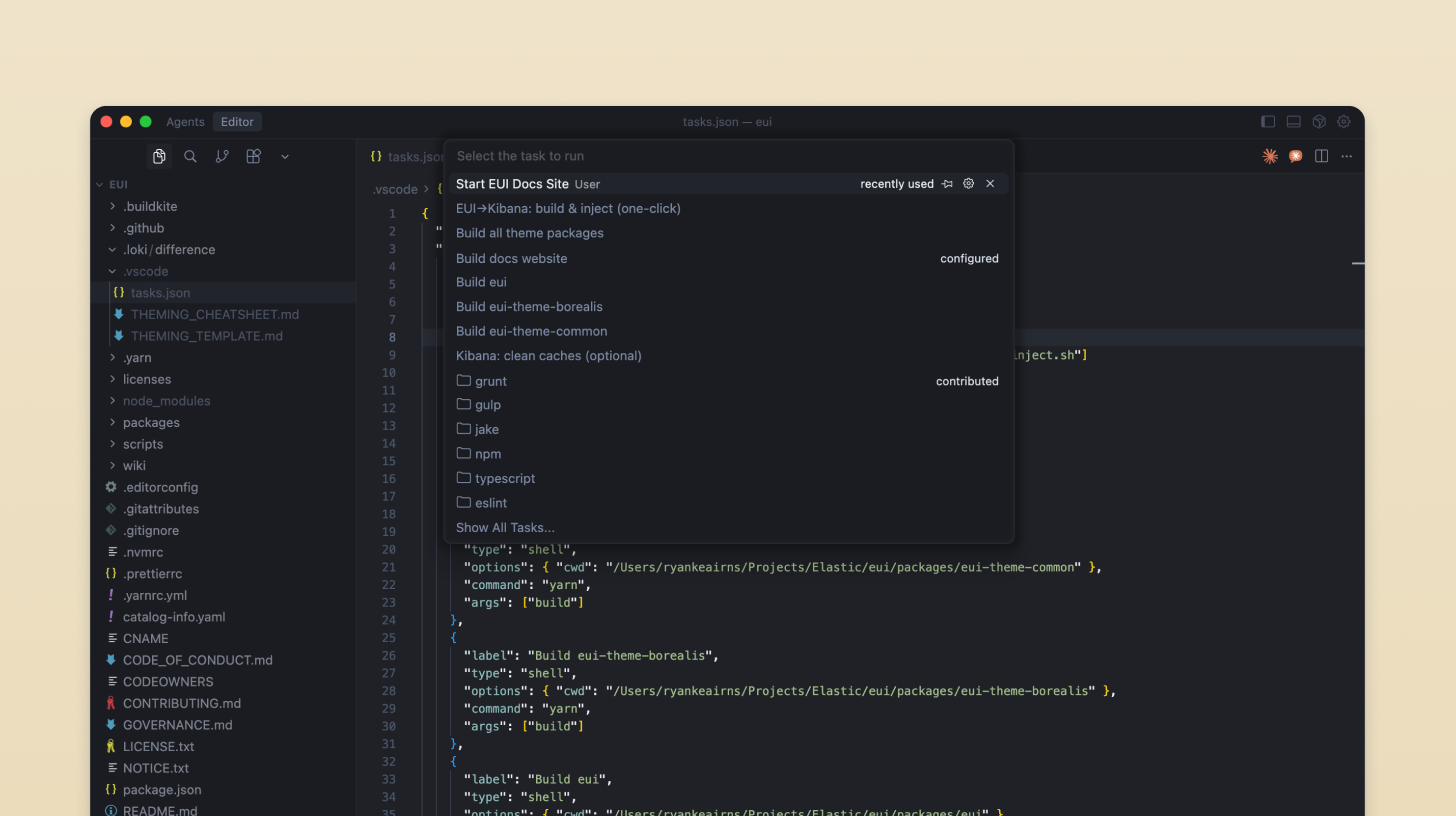
Create a set of VS Code tasks that automated the entire cycle — from building EUI to starting Kibana with the updated packages.
The scripts themselves were simple, but they abstracted away the fragile steps of:
- running the correct build command for EUI
- linking or copying the resulting
.tgzpackage into Kibana - clearing Yarn caches and node_modules
- restarting the correct dev servers in sequence
The goal wasn’t just personal convenience — it was to make visual iteration approachable for anyone on the team, including designers.
AI Workflow
- ChatGPT helped me reason through the correct sequence of EUI and Kibana build commands and where the cache pitfalls were.
- Cursor assisted in writing the VS Code
tasks.jsonconfiguration, ensuring the correct working directories, dependency order, and background task chaining. - Iterated locally, testing edge cases like failed builds or mismatched Node versions.
- Once stable, I shared the scripts with other designers and engineers, walking through how to use them to preview new EUI tokens and UI refresh concepts.
Outcome
- Added reproducible VS Code tasks to automate building EUI and starting Kibana locally
- Reduced setup time for testing visual changes from ~30 minutes to under 5
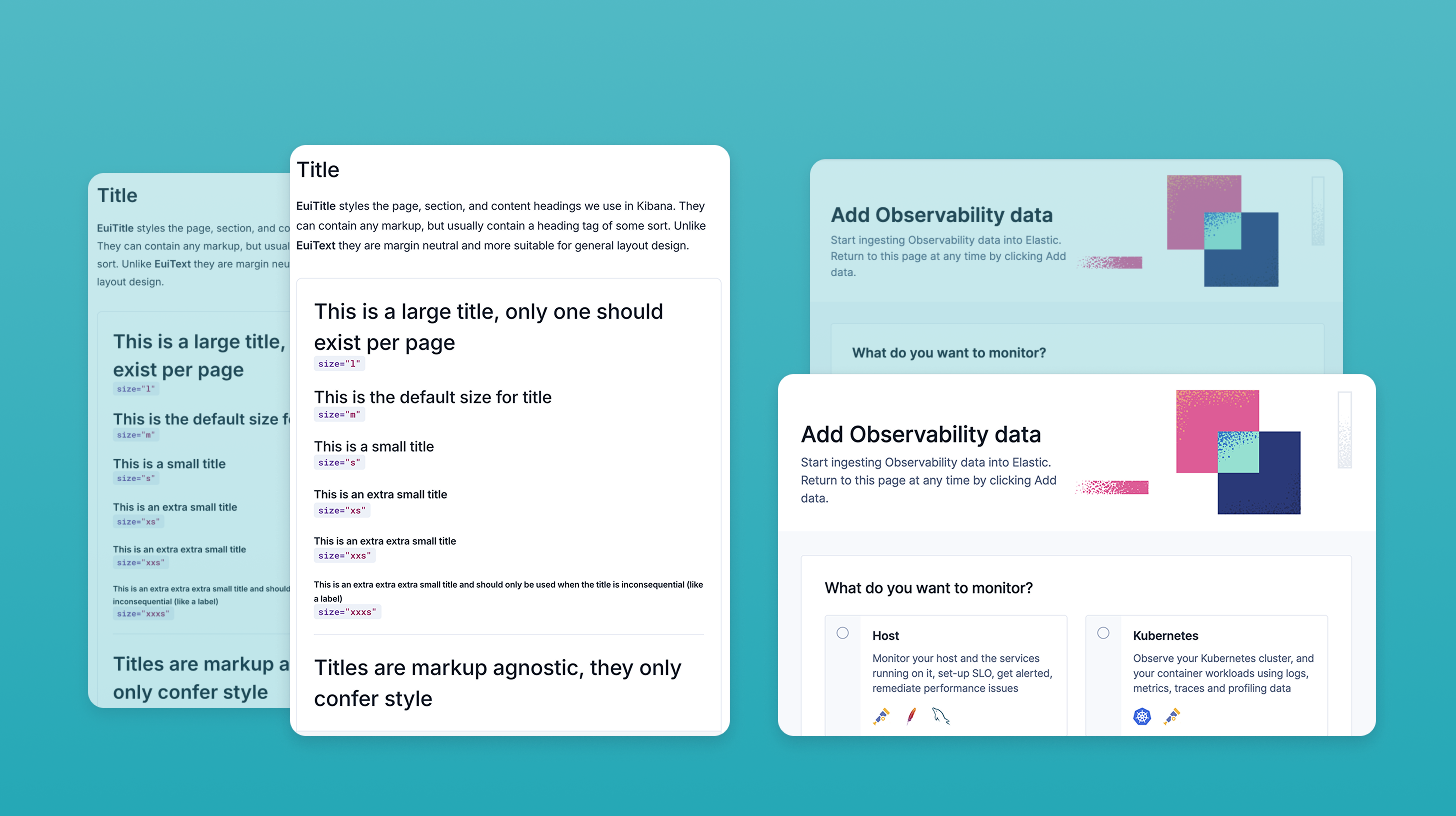
- Empowered designers to preview token and theme updates without engineering help
- Became a shared tool within the Platform UX and SharedUX teams, referenced in internal documentation
- Provided the foundation for exploring the broader UI refresh effort in a fast, iterative loop
The style updates themselves — color, spacing, and typographic adjustments — were standard. But the automation around them changed the workflow entirely.
Reflection
What started as a side project to test UI tweaks turned into an enabler for faster collaboration. These scripts removed friction that had slowed everyone down for years and made the “design in product” loop more accessible to non-engineers.
It was deeply satisfying to see others pick up and extend the approach — a small investment that paid dividends in collective velocity.
Impact
Enabled faster iteration on visual updates and made local builds more accessible to non-engineers